Our guides focus on home fit, everyday use, upkeep, and value. Retailer links in this story are ordinary links; no commission is earned from them. Read our affiliate disclosure.
In this story
Give the corner one job at a time
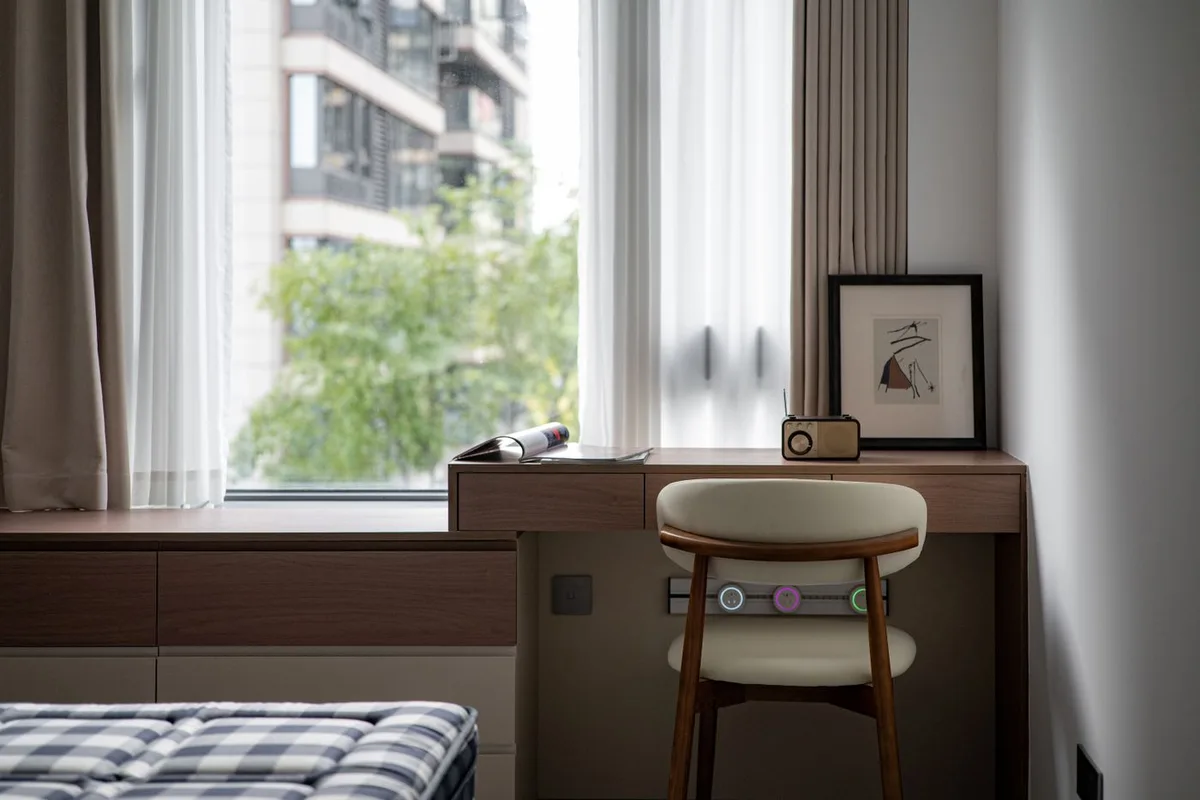
The spare corner of a living room can support focused work without becoming a permanent equipment display. Start with the hours you work, the calls you take, and what the room does after work ends. A small desk beside a window has different needs from a guest-room table used only twice a week.
Try the location with your existing laptop and chair before adding smart accessories. Check where sunlight falls during calls, where the nearest outlet is, and whether a cleaner can reach the floor. These observations help you spend on an actual gap rather than on a photograph of an ideal desk.
Plan lighting around the screen and the room
Position the workstation to manage reflections and provide comfortable task light. A decorative corner light may soften the room but may not put enough light on documents. Keep task lighting and ambient lighting as separate decisions before adding schedules or color effects.
A smart bulb can preserve a lamp you like, while an integrated fixture provides a new light source. Govee’s Floor Lamp 2 is an example with adjustable white-light and connected controls described in its official documentation. Judge the ordinary white setting and placement before paying for effects you will rarely use.
Automate a useful start or finish
A compatible lamp scheduled around the workday is a manageable first automation. Tapo P125M is a US Matter-capable on-off plug example. Confirm controller, network, and electrical requirements for the exact device and load; a smart plug does not turn every electronic appliance into a fully controllable one.
Keep a physical control understandable for anyone using the room. Avoid putting essential work equipment on an automation that might interrupt a call or unsaved work. The best routine is predictable enough that you no longer think about it.
Leave room for air and cleaning
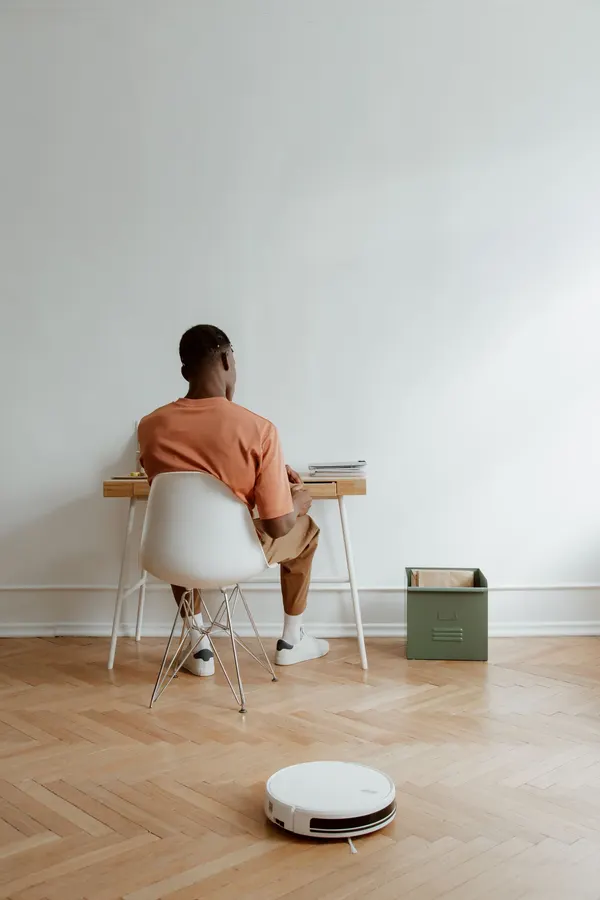
Do not pack electronics tightly into an improvised enclosure. Follow device ventilation and clearance instructions, and place cords so they do not cross the walking route. A robot needs access under and around the desk if it is expected to clean there; a cluster of loose charging leads can defeat that plan.
An air purifier in the room needs its own placement and airflow check. Think about call noise at the speed you intend to run, rather than a lowest-speed advertising figure. If the room is shared, coordinate robot schedules and other noisy appliance cycles with meetings.
Close the workday without rebuilding the room
Use a small landing place for the headset, charger, and notebook. Put away only the pieces that interfere with the evening use of the space. Reconnecting an elaborate workstation each morning can erase the convenience of a carefully chosen accessory.
Buy the smallest set of devices that supports your repeated work. Better lamp placement or an accessible outlet can improve the corner before any new automation is necessary. Revisit the setup after a week of calls and ordinary household activity.
The considered choice
Make the corner easy to work in and easy to live beside. Useful light, clear floor access, and one reliable automation are a strong starting point.
Put the guide to work
Take your measurements and must-have list with you. These retailers are useful places to compare options; check the exact listing, current price, delivery terms, and return policy before buying.
Govee
Smart lighting and home devices with app and Matter details.
Explore Govee ↗Opens the retailer’s websiteTapo
Matter-compatible smart plugs and connected home products.
Explore Tapo ↗Opens the retailer’s websiteA few common questions
Should every desk device use a smart plug?
No. Check device compatibility and avoid routines that unexpectedly interrupt computers or essential equipment.
Do I need color-changing lighting?
No. Comfortable white light, placement, and accessible controls may cover the whole need.
Sources & further reading
- Govee Floor Lamp 2 — checked 2026-10-03
- Tapo P125M specifications — checked 2026-10-03
This is a research-based buying guide. We do not claim hands-on testing of the products linked here. Product details and availability can change. How we work · Suggest a correction